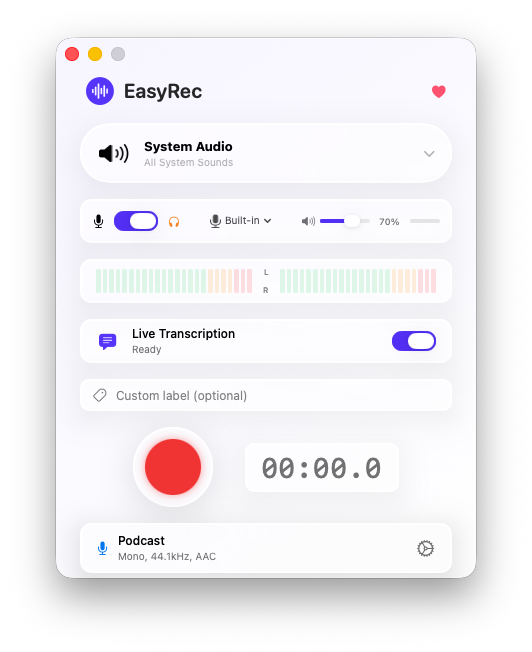
easyRec is a native macOS app that lets you record high-definition audio from any running application, system audio, or input devices. With an interface inspired by macOS Tahoe's Liquid Glass design and real-time transcription.
Capture audio from any running app: Safari, Spotify, Zoom, FaceTime and more
Record from microphones and audio input devices with gain control
Record app audio and microphone simultaneously with independent volume control
Real-time transcription with WhisperKit, multi-language support and speaker diarization
Real-time stereo audio monitoring with level indication and clipping detection
Modern interface with translucent glass effects, adaptive light/dark mode
easyRec in action
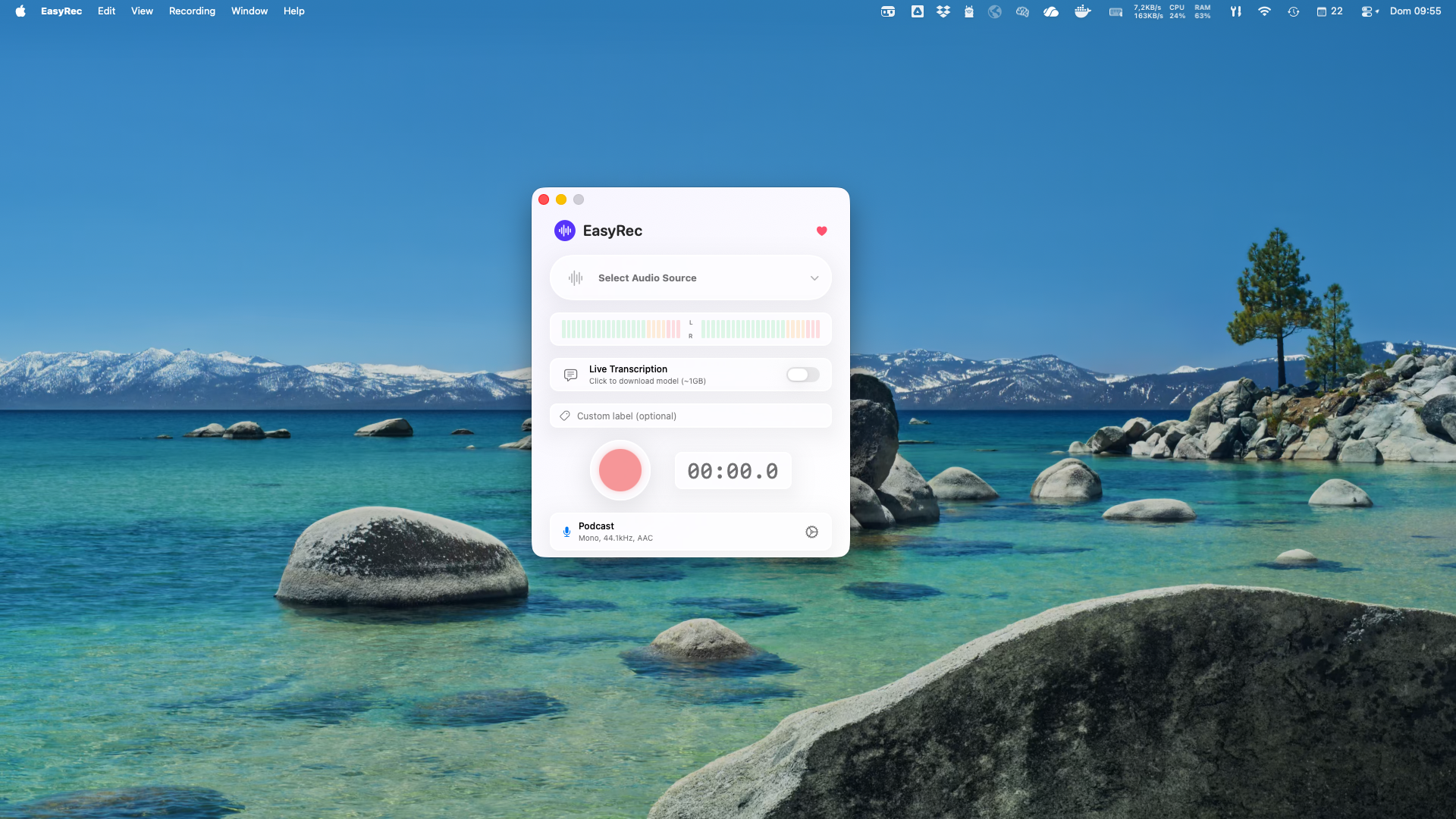
Elegant and translucent interface, perfectly integrated with macOS
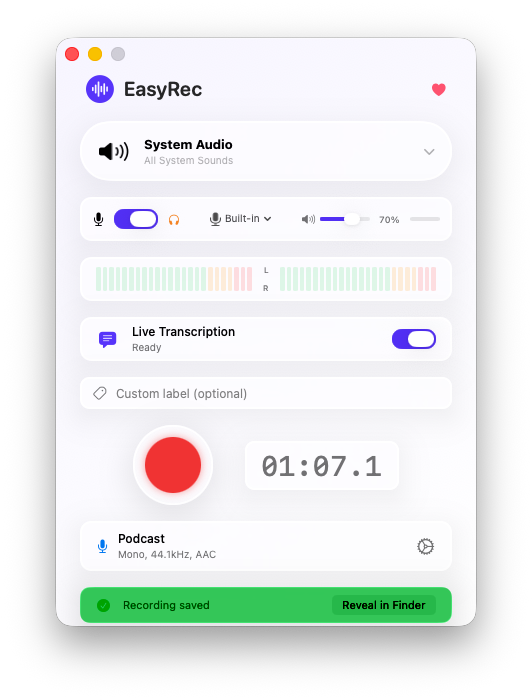
Real-time audio level monitoring
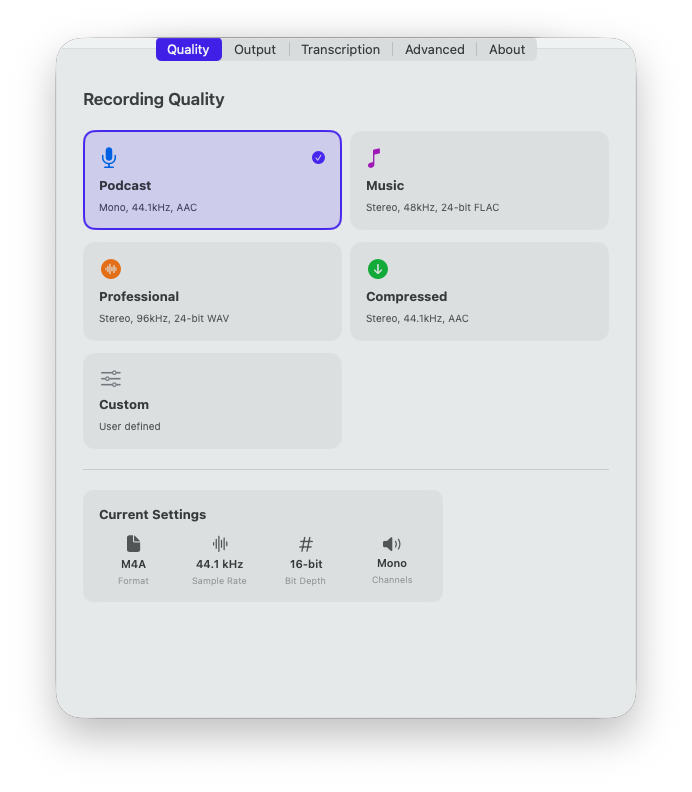
Podcast, Music, Professional and custom
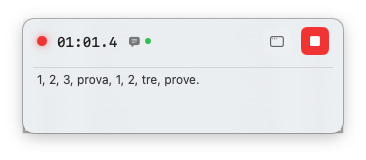
Mini player with real-time transcription
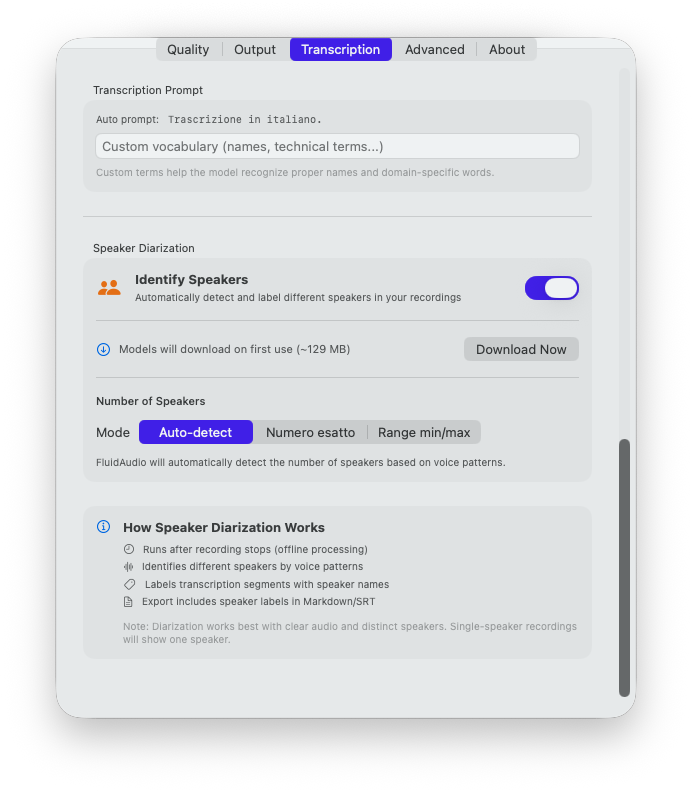
Automatic speaker identification in transcriptions
Professional presets for every need
AAC • 44.1 kHz • 16-bit • Mono
Perfect for voice and podcasts
FLAC • 48 kHz • 24-bit • Stereo
Lossless quality for music
WAV • 96 kHz • 24-bit • Stereo
Studio quality for production
AAC • 44.1 kHz • 16-bit • Stereo
Small files, good quality
Configure sample rate, bit depth, channels, and format as you like
WAV (PCM) • FLAC (lossless) • AAC (lossy) • MP3 (lossy)
Record from any macOS app via ScreenCaptureKit.
Local Whisper AI for live transcription with speaker diarization.
App audio + microphone simultaneously with built-in mixer.
Real-time level monitoring with dynamic color coding.
Files automatically named with source and timestamp.
Start and stop recording with a single key combination.
Native interface with Liquid Glass design and macOS Tahoe support.
Apple API for high-quality audio capture from applications.
Professional Apple audio frameworks for recording and processing.
Local AI transcription with OpenAI Whisper models.
Secure automatic updates with EdDSA signature.
All local, no data sent to external servers.
Start recording in seconds
Option A — Terminal (recommended):
xattr -cr /Applications/EasyRec.app Option B — GUI:
Try to open easyRec, macOS will show a security warning. Go to System Settings → Privacy & Security, scroll down and click "Open Anyway" next to the easyRec message.
System Settings → Privacy & Security → Screen Recording → easyRec ✓
System Settings → Privacy & Security → Microphone → easyRec ✓ easyRec requires Screen Recording permission to capture app audio and Microphone permission for input device recording. After granting permissions you may need to restart the app.
Some ideas to get started
Record VoIP calls from Zoom, FaceTime, or Discord with professional quality
Capture audio from YouTube, SoundCloud, or any streaming service
Transcribe meetings and interviews in real-time with speaker identification
Record in WAV 96kHz/24-bit with professional level monitoring
Record meetings with automatic transcription and generate structured meeting reports by connecting an automation workflow (e.g. n8n) to the transcript
Download easyRec and start capturing high-definition audio from your Mac.